
vue3引入vditor插件正确使用方法
- 作者: 北方的狼72913907
- 来源: 51数据库
- 2021-07-09
首先安装vditor
npm install vditor --save
在组件中使用
<template>
  <div id="vditor"></div>
</template>
<script setup>
import { defineProps, ref, onMounted } from "vue";
import Vditor from "vditor";
import "vditor/dist/index.css";
const contentEditor = ref("");
onMounted(() => {
  contentEditor.value = new Vditor("vditor", {
    height: 360,
    toolbarConfig: {
      pin: true,
    },
    cache: {
      enable: false,
    },
    after: () => {
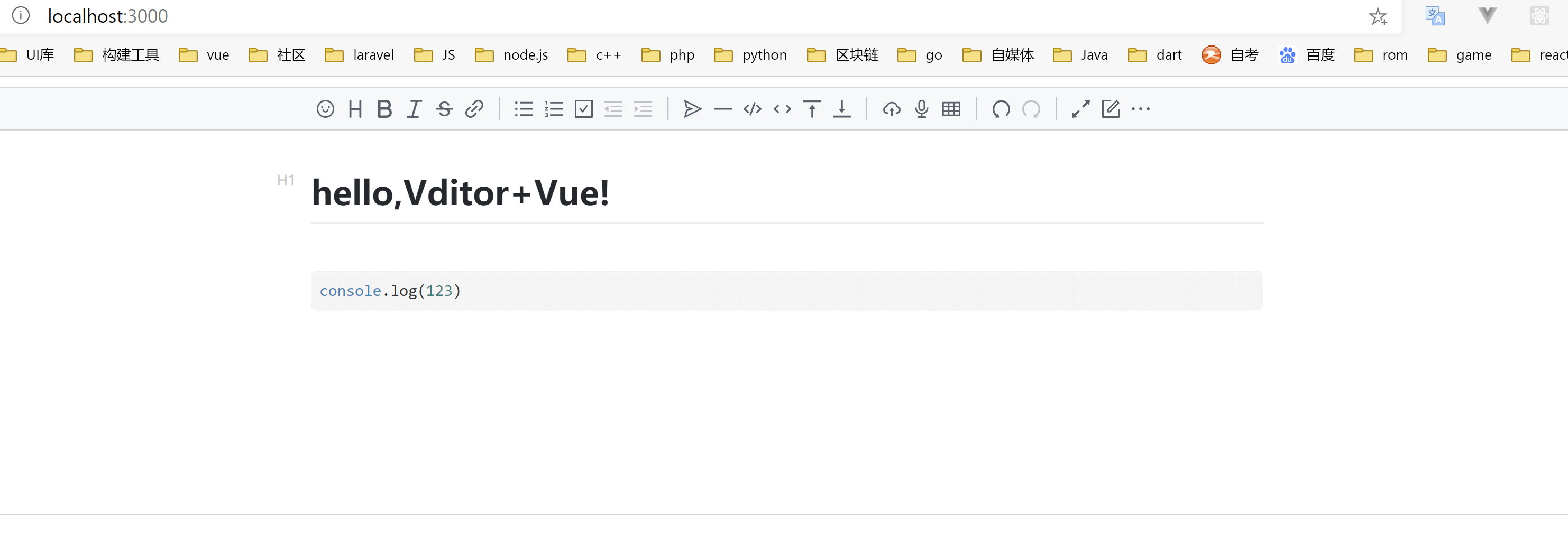
      contentEditor.value.setValue("hello,Vditor+Vue!");
    },
  });
});
</script>
<style scoped>
a {
  color: #42b983;
}
</style>
推荐阅读

