
详解Vue项目中实现锚点定位
- 作者: 别跟我说话我有洁癖
- 来源: 51数据库
- 2021-08-23
背景
今天在开发限时练-提分加项目的时候,有一个需要锚点定位的需求,而在vue项目中,使用传统的在a标签的href属性中写id的方法无效,会导致浏览器的地址改变从而跳转到其他页面。
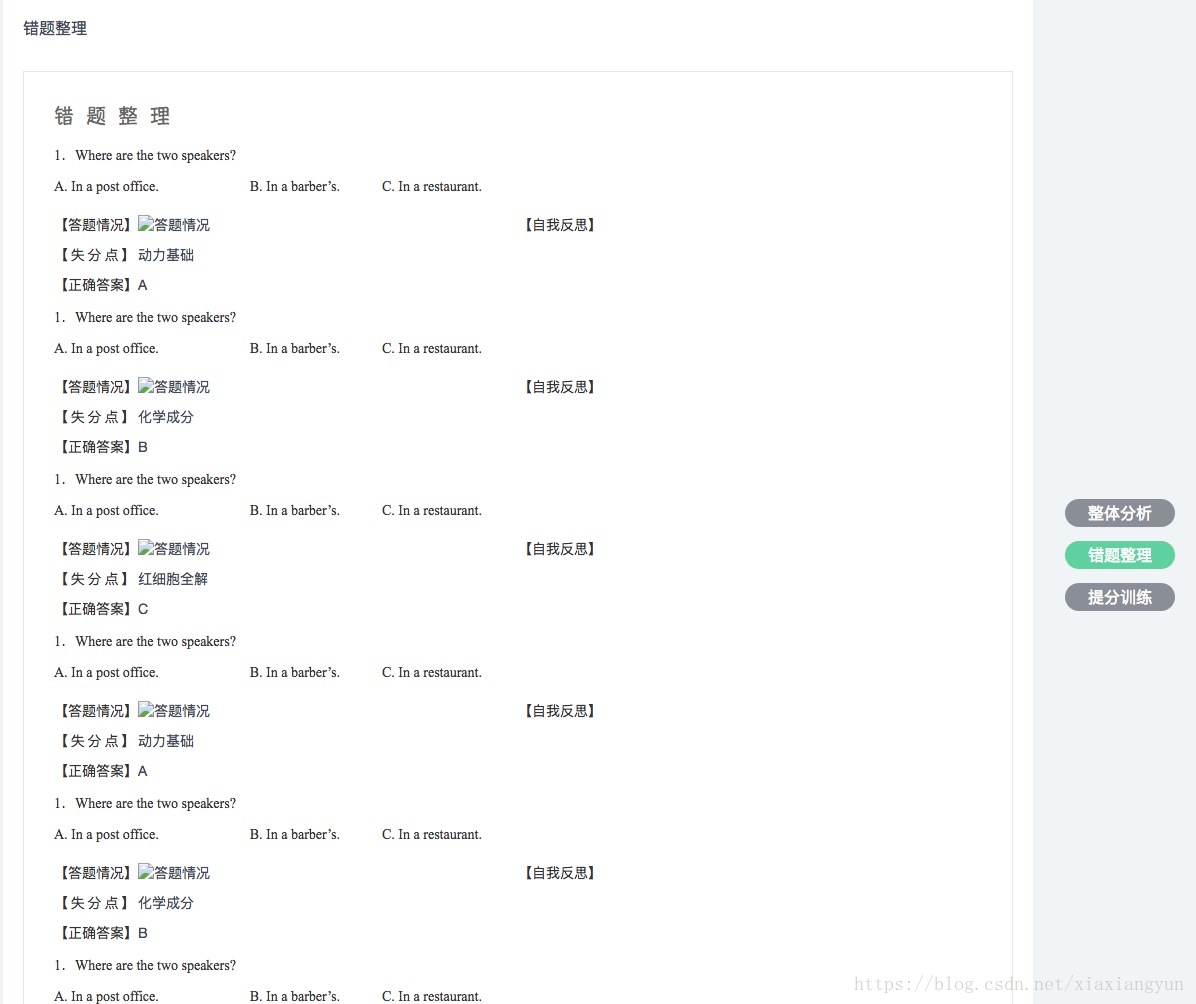
解决
最终参考改问题下的回答实现了效果。
<template>
<div class="score-preview-container">
 <div class="content-box">
 <div class="content-page-box">
  <globalanalysis :id="#anchor-0" />
  <errormerge :id="#anchor-1" />
  <doexercise :id="#anchor-2" />
 </div>
 <div class="nav-button-box">
  <span class="nav-button-fix">
  <div class="nav-button" v-for="(item,index) in buttonarr" :key="index" :class="{active : activebtn == index}" @click="goanchor('#anchor-'+index,index)">{{item}}</div>
  </span>
 </div>
 </div>
</div>
</template>

<script>
import { mapactions } from "vuex";
import globalanalysis from "./components/globalanalysis.vue";
import errormerge from "./components/errormerge.vue";
import doexercise from "./components/doexercise.vue";
export default {
 name: "score-preview",
 components: { globalanalysis, errormerge, doexercise },
 data() {
 return {
  buttonarr: ["整体分析", "错题整理", "提分训练"],
  activebtn: 0
 };
 },
 mounted() {
 this.datainit();
 },
 methods: {
 ...mapactions("v2-score-preview", [
  "fetchclassscoredata",
  "fetchpersonalreportdata",
  "fetcherrorquestiondata",
  "fetchexercisedata"
 ]),
 //初始化
 datainit() {
  this.fetchclassscoredata();
  this.fetchpersonalreportdata();
  this.fetcherrorquestiondata();
  this.fetchexercisedata();
 },
 //锚点跳转
 goanchor(selector, index) {
  this.activebtn = index;
  document.queryselector("#app-root").scrolltop = this.$el.queryselector(selector).offsettop;
 }
 }
};
</script>
另外,文章中的第四种方法,发现使用scrollintoview()方法也能实现锚点定位的效果。
//锚点跳转
goanchor(selector, index) {
 this.activebtn = index;
 this.$el.queryselector(selector).scrollintoview()
}
以上所述是小编给大家介绍的vue项目中实现锚点定位详解整合,希望对大家有所帮助
推荐阅读

