
JS实现超级好看的鼠标小尾巴特效
- 作者: 谁的浮生乱了谁的流年
- 来源: 51数据库
- 2021-08-07
看完这个保证你有手就行,制作各种好看的小尾巴!
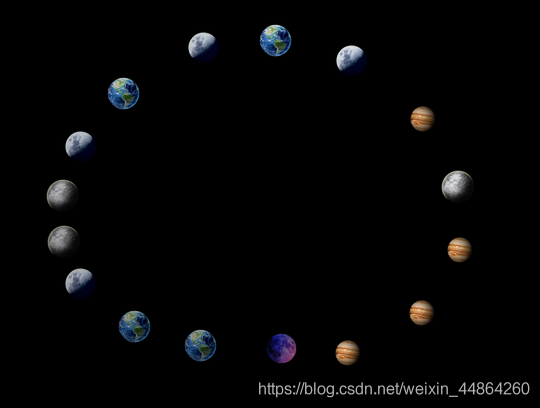
全部代码如下,看注释可以轻易看懂
<!doctype html>
<html lang="en">
<head>
 <meta charset="utf-8">
 <title>title</title>
<style>
 /*div样式*/
 #main{
 width: auto;height: 1500px;margin: 0;background-color: black;
 }
</style>
</head>
<body>
 <div id="main"></div>
 <script>
 //==========鼠标星球尾巴js代码============

 //========函数:获取当前鼠标的坐标=========
 function getmouseposition(event) {
  var x = 0;//x坐标
  var y = 0;//y坐标
  //documentelement 返回一个文档的文档元素。
  doc = document.documentelement;
  //body 返回文档的body元素
  body = document.body;
  //解决兼容性
  if (!event) event = window.event;
  //解决鼠标滚轮滚动后与相对坐标的差值
  //pageyoffset是netscape特有
  if (window.pageyoffset) {
  x = window.pagexoffset;
  y = window.pageyoffset;
  } else {//其他浏览器鼠标滚动
  x = (doc && doc.scrollleft || body && body.scrollleft || 0)
   - (doc && doc.clientleft || body && body.clientleft || 0);
  y = (doc && doc.scrolltop || body && body.scrolltop || 0)
   - (doc && doc.clienttop || body && body.clienttop || 0);
  }
  //得到的x加上当事件被触发时鼠标指针向对于浏览器页面(或客户区)的水平坐标
  x += event.clientx;
  //得到的x加上当事件被触发时鼠标指针向对于浏览器页面(或客户区)的垂直坐标
  y += event.clienty;
  //返回x和y
  return {'x': x, 'y': y};
 }
 //========函数:获取当前鼠标的坐标=========

 //=====生成从minnum到maxnum的随机数=====
 function randomnum(minnum,maxnum){
 switch(arguments.length){
  case 1:
  return parseint(math.random()*minnum+1,10);
  case 2:
  return parseint(math.random()*(maxnum-minnum+1)+minnum,10);
  default:
  return 0;
 }
 }
 //=====生成从minnum到maxnum的随机数======

 //======给整个文档绑定一个鼠标移动事件======
 document.onmousemove = function(event){

 // 在页面创建一个标签,(这里是创建一个自定义标签styleimg )
 var styleimg = document.createelement("div");
 //获取随机数1-5,根据随机数来设置标签的样式
 var r = randomnum(1,5);
 switch (r) {
  case 1:
  //设置图片的路径,根据不同的路径就可以更改成不同的样式
  styleimg.innerhtml="<img src='../static/muban/images/xing01.png' style='width: 50px;height: auto;'/>"
  break;
  case 2:
  styleimg.innerhtml="<img src='../static/muban/images/xing02.png' style='width: 50px;height: auto;'/>"
  break;
  case 3:
  styleimg.innerhtml="<img src='../static/muban/images/xing03.png' style='width: 50px;height: auto;'/>"
  break;
  case 4:
  styleimg.innerhtml="<img src='../static/muban/images/xing04.png' style='width: 50px;height: auto;'/>"
  break;
  case 5:
  styleimg.innerhtml="<img src='../static/muban/images/xing05.png' style='width: 50px;height: auto;'/>"
  break;
 }
 // 由于要设置动画,设置left 和top,因此,必须要设置定位
 styleimg.style.position = 'absolute'
 // 设置标签的初始位置,即鼠标的当前位置
 var x = getmouseposition(event).x;
 var y = getmouseposition(event).y;
 // 设置styleimg的坐标
 	styleimg.style.top = y +"px";
 styleimg.style.left = x + "px";
 //绑定testdiv为当前鼠标小尾巴生效的区域
 var testdiv = document.getelementbyid("main");
 // 将新建的标签加到页面的 body标签中
 testdiv.appendchild(styleimg);
 // 在文档中有超出的地方就会不显示,所以尽量绑定到页面的div中
 // 设置溢出隐藏,为了防止鼠标在移动的过程中会触发上下滚动条
 testdiv.style.overflow = 'hidden';
 //
 	var count = 0;
 	//setinterval() 方法可按照指定的周期(以毫秒计)来调用函数或计算表达式
 var time = setinterval(function(){
 // 设置定时器 ,让每一次生成的标签在指定的周期内修改相应的透明度
 	count += 5;
  styleimg.style.opacity = (100-count)/100 ;
 }, 30)
 // settimeout() 方法用于在指定的毫秒数后调用函数或计算表达式。
 // 设置延时定时器, 在一定的时间后清除上面的定时器,让创建的标签不再进行变化
 settimeout(function(){
  // 使用 clearinterval() 来停止执行setinterval函数
  clearinterval(time);
  // 删除创建的标签
  testdiv.removechild(styleimg);
 },250)
 }
 </script>
</body>
</html>
ps:以上代码参考了多篇不同的文献后自己敲的,没有面向vc写博客哦!
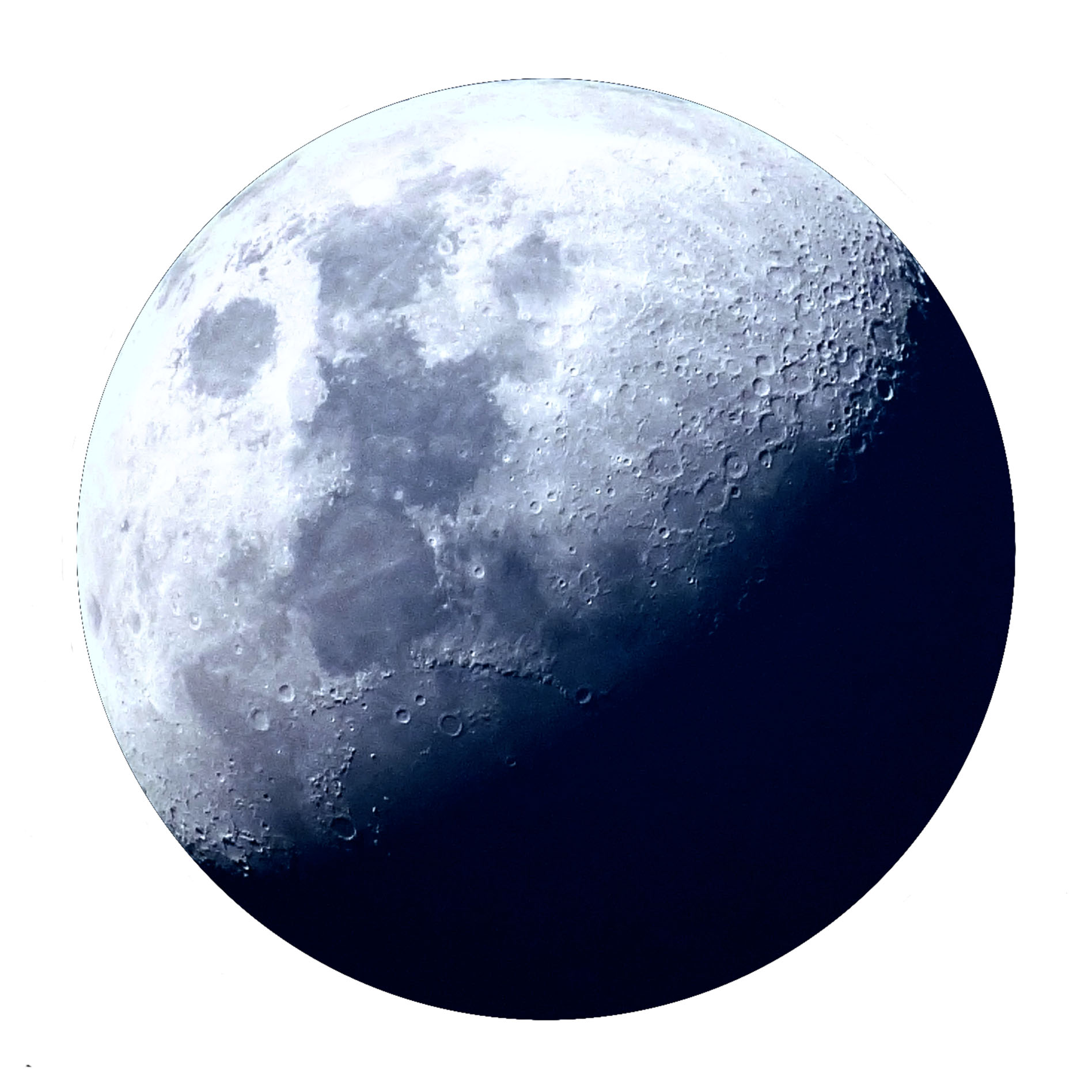
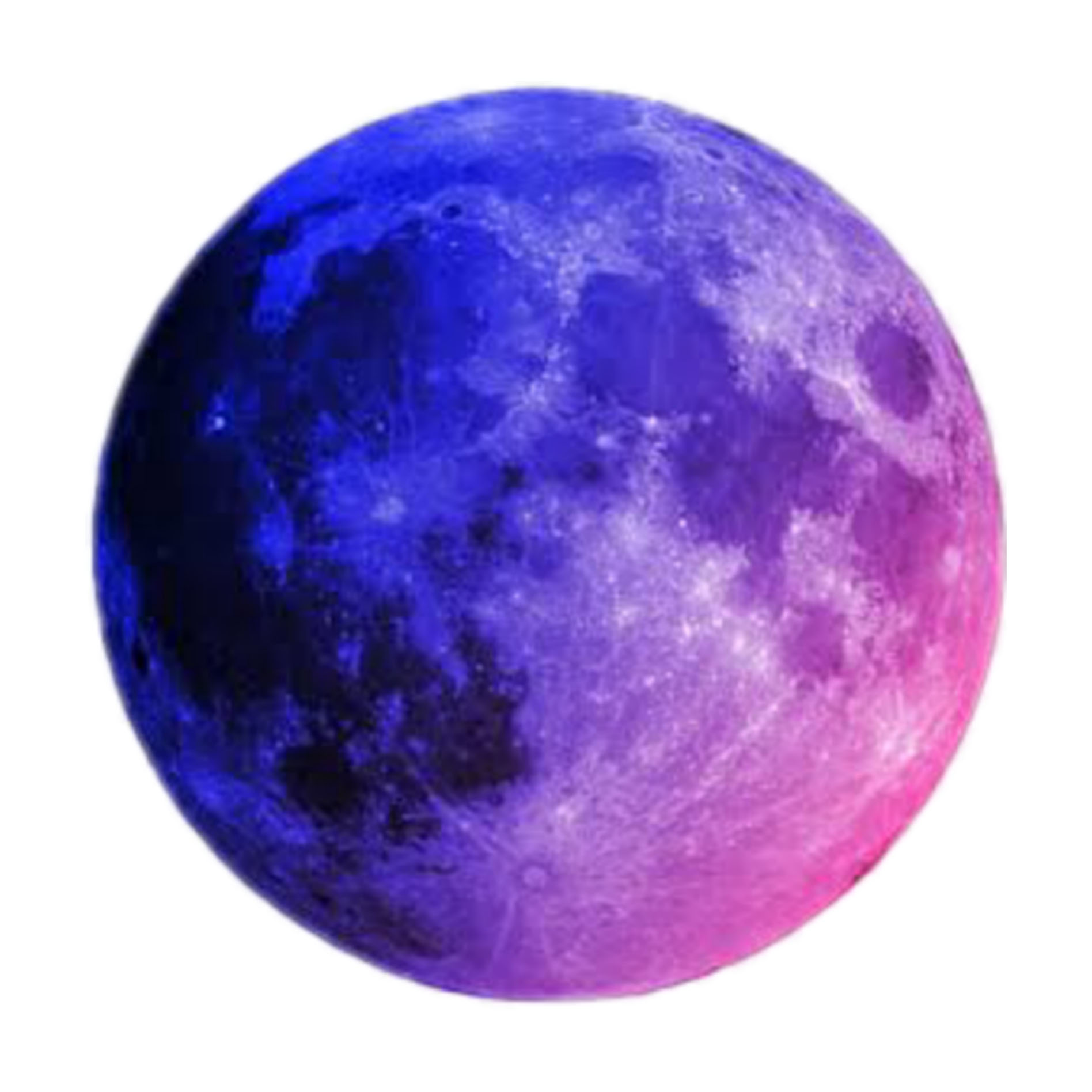
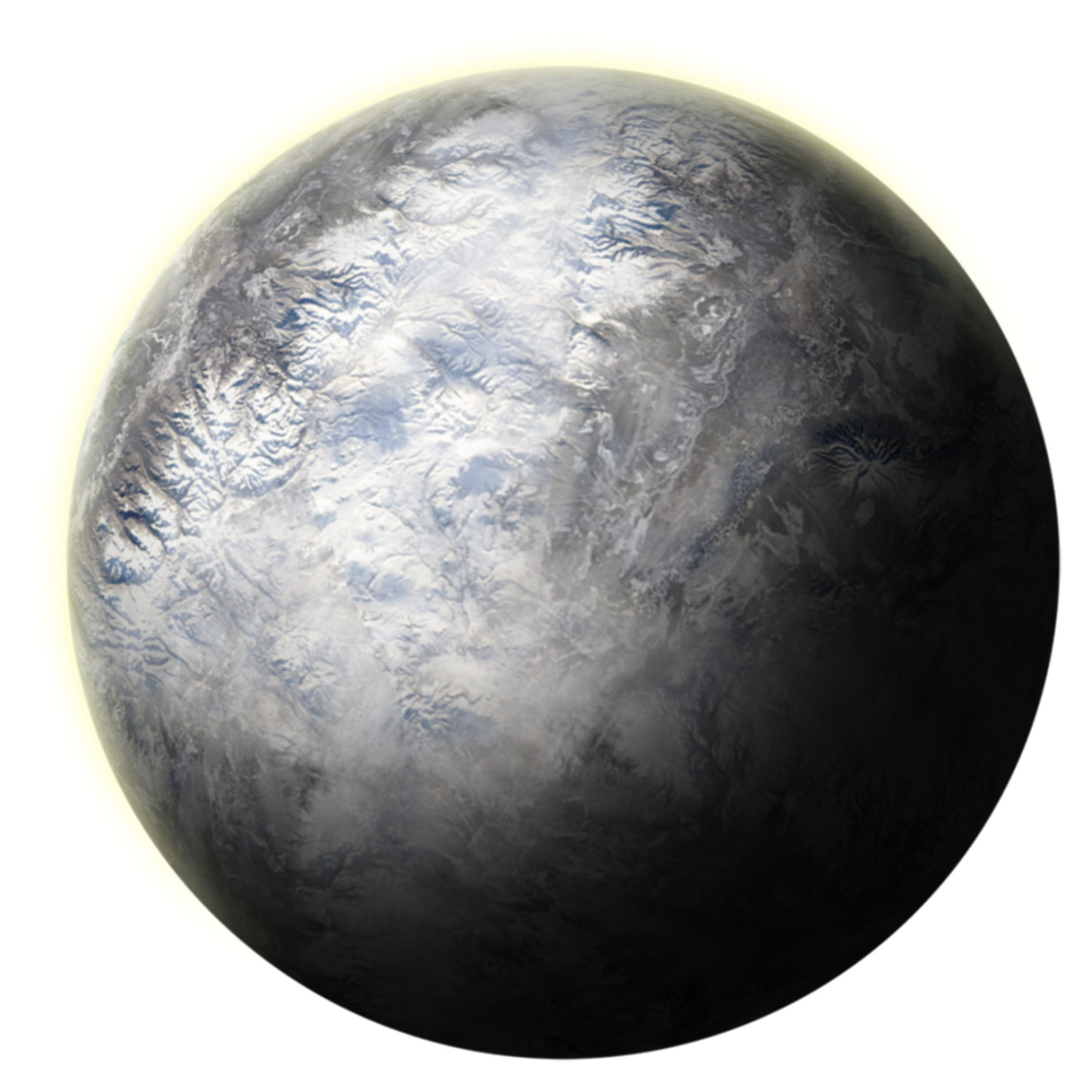
最后把图片素材送给你们吧,只要在上面代码中做简单的修改,便可以实现其他样式的小尾巴

好东西记得要收藏哦!!!
到此这篇关于js实现超级好看的鼠标小尾巴特效的文章就介绍到这了,更多相关js实现鼠标小尾巴内容请搜索以前的文章或继续浏览下面的相关文章希望大家以后多多支持!
推荐阅读

