jupyter notebook更换皮肤主题的实现
- 作者: 实名了没节操
- 来源: 51数据库
- 2021-08-09
jupyter notebook更换皮肤主题
视频地址:https://www.bilibili.com/video/bv1et4y1d7ru/
您是否厌倦了jupyter notebook的默认主题呢?
您是否想过能不能让jupyter notebook的界面更加高大上一点呢?
您是否想一天换一个jupyter notebook的主题呢?

有了jupyterthemes,我可以!

下载jupyterthemes
我们可以通过pip来安装jupyterthemes
pip install jupyterthemes
也可以通过下列命令来更新jupyterthemes到最新版本
pip install --upgrade jupyterthemes
使用jupyterthemes
那么下载完成后,我们可以在终端使用 jupyter-theme 命令来更改notebook主题
jupyter-theme -h # 查看jupyter-theme的帮助手册
您也可以通过 jupyter-theme 的命令简写 jt 来使用
jt -h # 查看jupyter-theme的帮助手册
强烈推荐第二种方式,因为懒惰是程序员的基本美德
jupyter-theme参数详解
| 功能介绍 | 选项参数 | 默认值 |
|---|---|---|
| 查看帮助文档 | -h | -- |
| 展示所有的皮肤主题 | -l | -- |
| 设置安装的主题 | -t | -- |
| 设置代码字体样式 | -f | -- |
| 设置代码字体大小 | -fs | 11 |
| 设置notebook的字体样式 | -nf | -- |
| 设置notebook的字体大小 | -nfs | 13 |
| 设置text/md的cell字体样式 | -tf | -- |
| 设置text/md的cell字体大小 | -tfs | 13 |
| 设置pandas的dataframe字体大小 | -dfs | 9 |
| 设置输出区域的字体大小 | -ofs | 8.5 |
| 设置mathjax的字体大小(%) | -mathfs | 100 |
| 设置页面的margin外边距 | -m | auto |
| 设置cell的宽度 | -cellw | 980 |
| 设置行高 | -lineh | 170 |
| 设置光标的宽度 | -cursw | 2 |
| 设置光标的颜色 | -cursc | -- |
| alt prompt layout | -altp | -- |
| alt markdown bg color | -altmd | -- |
| alt output bg color | -altout | -- |
| style vim nbext* | -vim | -- |
| toolbar是否可见 | -t | -- |
| 文件名和logo是否可见 | -n | -- |
| 内核的logo是否可见 | -kl | -- |
| 重置为默认的notebook主题 | -r | -- |
| 重置为默认的字体 | -dfonts | -- |
code cells的可选字体样式
| -f arg | monospace font |
|---|---|
| anka | anka/coder |
| anonymous | anonymous pro |
| aurulent | aurulent sans mono |
| bitstream | bitstream vera sans mono |
| bpmono | bpmono |
| code | code new roman |
| consolamono | consolamono |
| cousine | cousine |
| dejavu | dejavu sans mono |
| droidmono | droid sans mono |
| fira | fira mono |
| firacode | fira code |
| generic | generic mono |
| hack | hack |
| hasklig | hasklig |
| inconsolata | inconsolata-g |
| inputmono | input mono |
| iosevka | iosevka |
| liberation | liberation mono |
| meslo | meslo |
| office | office code pro |
| oxygen | oxygen mono |
| roboto | roboto mono |
| saxmono | saxmono |
| source | source code pro |
| sourcemed | source code pro medium |
| ptmono | pt mono |
| ubuntu | ubuntu mono |
notebook与text/md cells的可选字体样式
sans-serif fonts
| -nf/-tf arg | sans-serif font |
|---|---|
| opensans | open sans |
| droidsans | droid sans |
| exosans | exo_2 |
| latosans | lato |
| ptsans | pt sans |
| robotosans | roboto |
| sourcesans | source sans pro |
serif fonts
| -nf/-tf arg | serif font |
|---|---|
| loraserif | lora |
| ptserif | pt serif |
| georgiaserif | georgia |
| cardoserif | cardo |
| crimsonserif | crimson text |
| ebserif | eb garamond |
| merriserif | merriweather |
| neutonserif | neuton |
| goudyserif | sorts mill goudy |
jupyter-theme使用示例
# 查看所有可选主题
# chesterish | grade3 | gruvboxd | gruvboxl | monokai | oceans16 | onedork | solarizedd | solarizedl
jt -l

# 切换使用grade3主题
# 一般刷新notebook页面就可以看到效果,如果没起作用的话,可能需要删除一下浏览器的缓存
jt -t grade3

# 重置notebook的主题,回到解放前
jt -r

# 默认展示工具箱以及文件名
jt -t monokai -t -n

# 设置notebook界面和text/md cells的字体样式,并且设置字体大小
# 字体大小的单位为pt
jt -t oceans16 -tf merriserif -tfs 10 -nf ptsans -nfs 13

# 设置cell的宽度与行高
# 可以通过百分比来设置宽度
jt -t chesterish -cellw 90% -lineh 170

# 通过像素px来设置cell的宽度,设置为860px
jt -t solarizedd -cellw 860

# 设置光标变成红色,并且将其大小变为5px
# 可选的颜色 b (blue), o (orange), r (red), p (purple), g (green), x (font color)
jt -t solarizedl -cursc r -cursw 5
jupyter-theme可用主题一览
默认主题
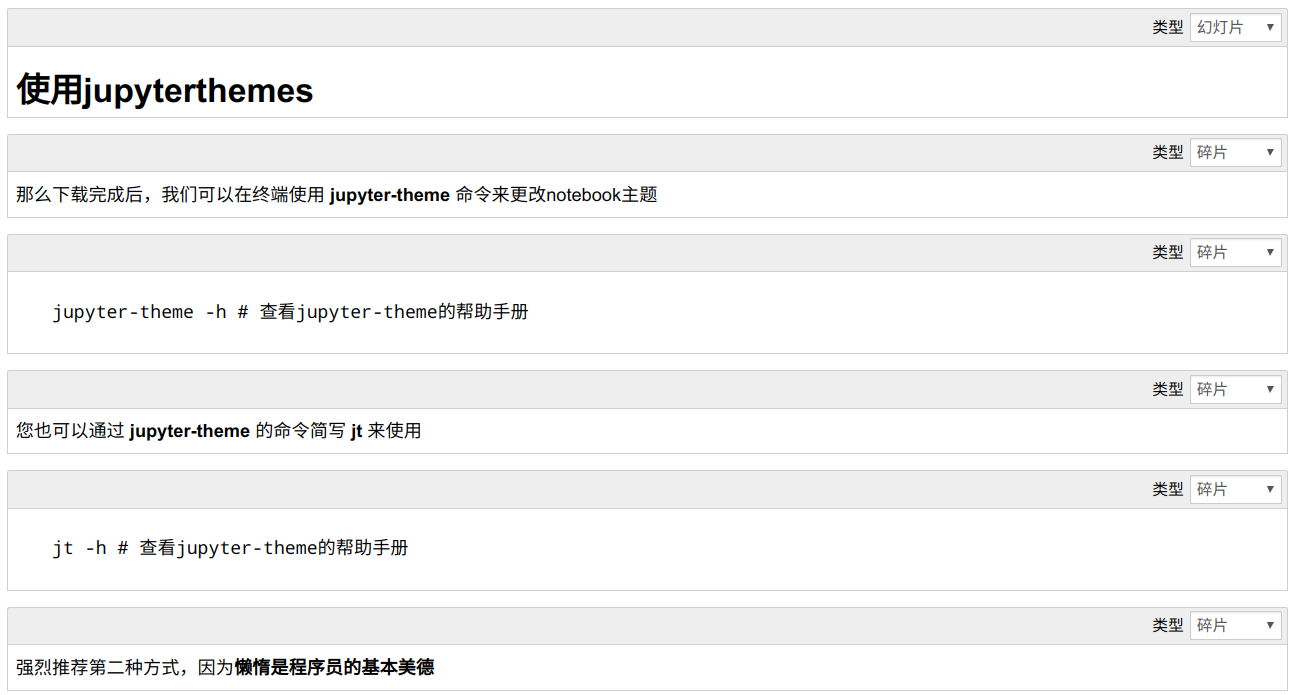
chesterish
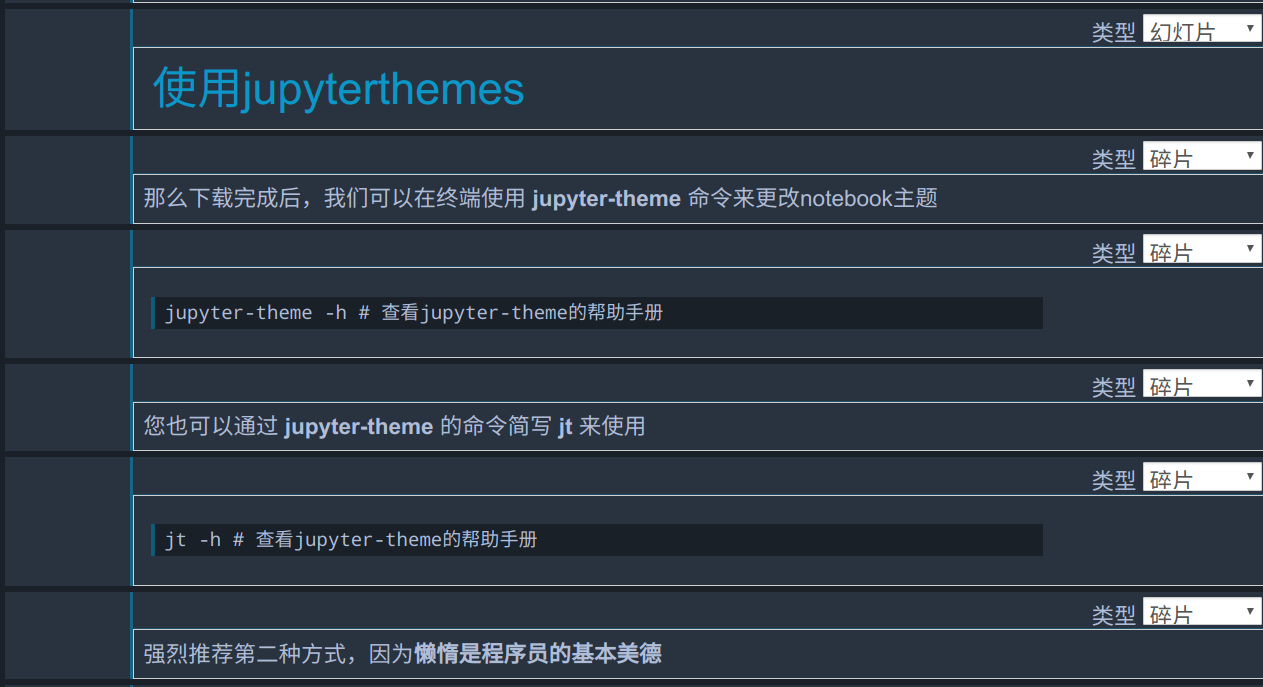
grade3
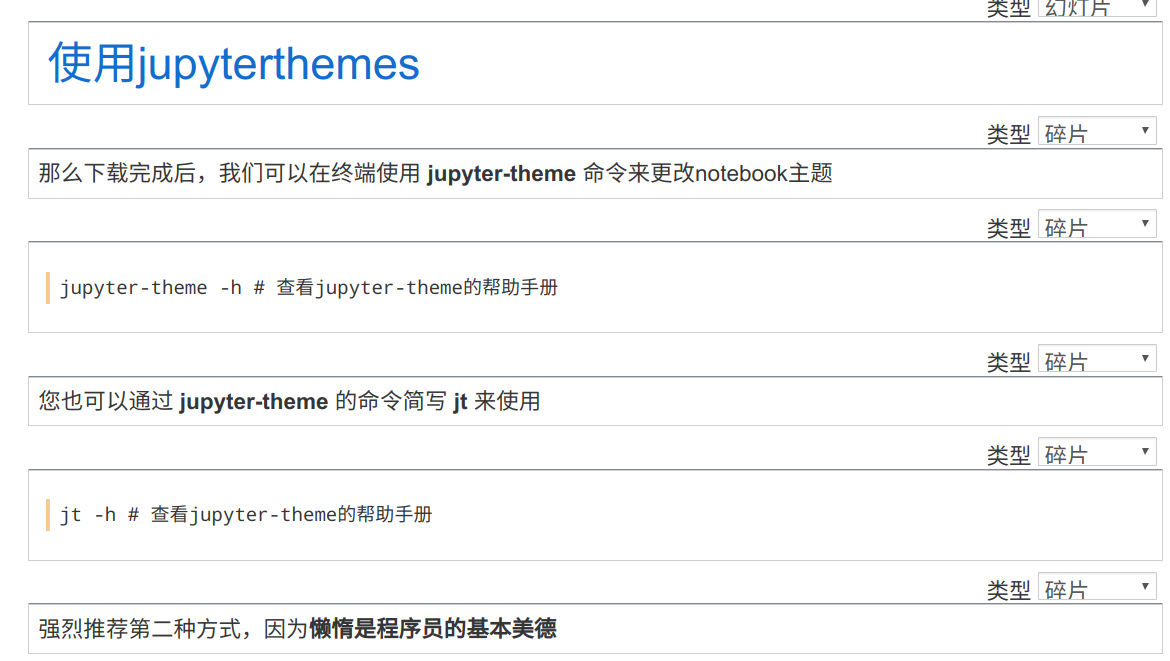
gruvboxd
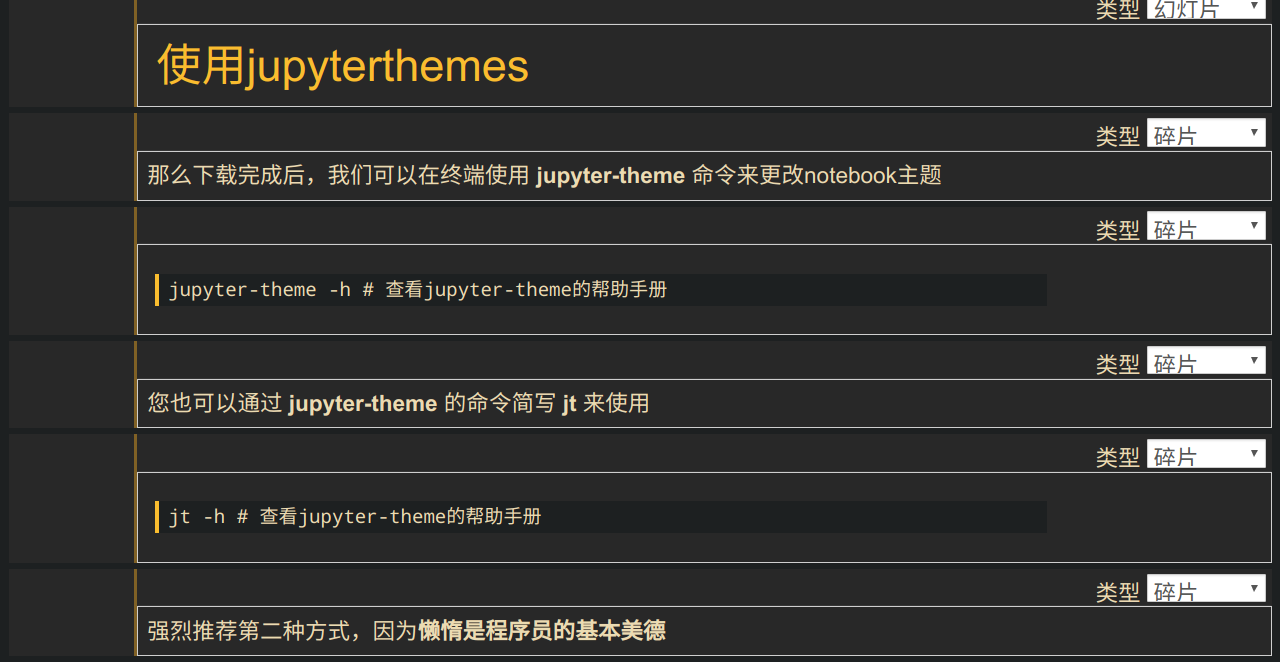
gruvboxl
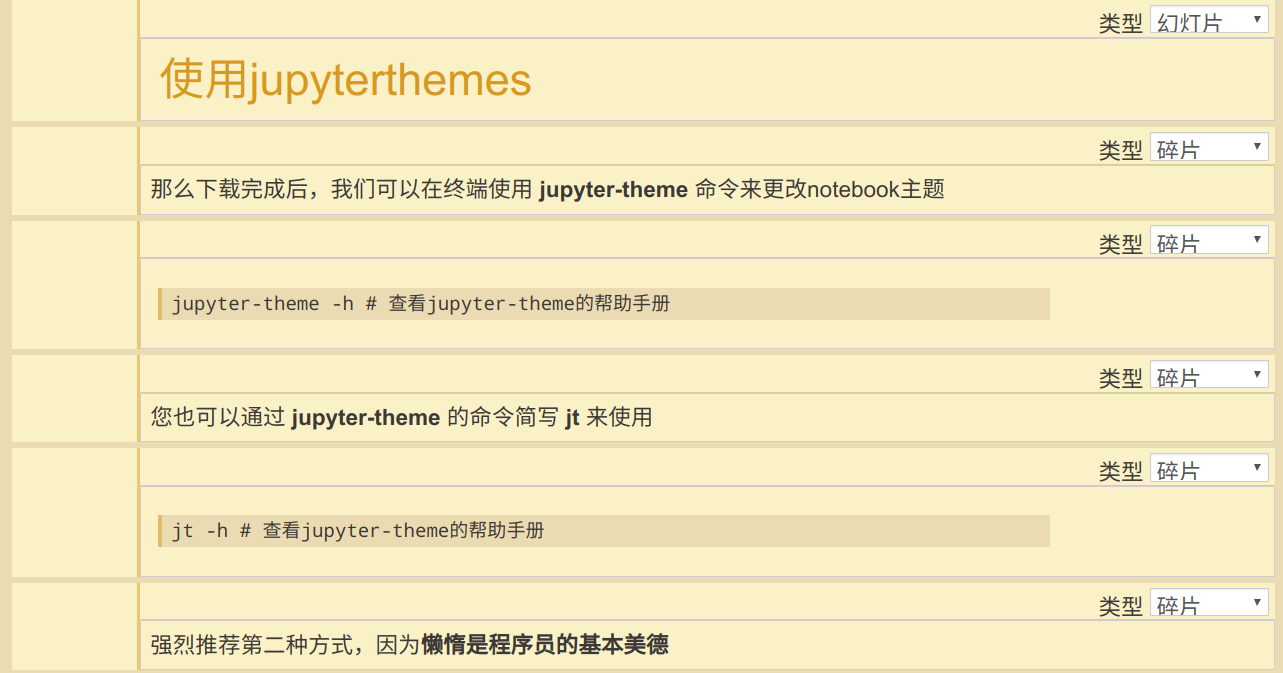
monokai
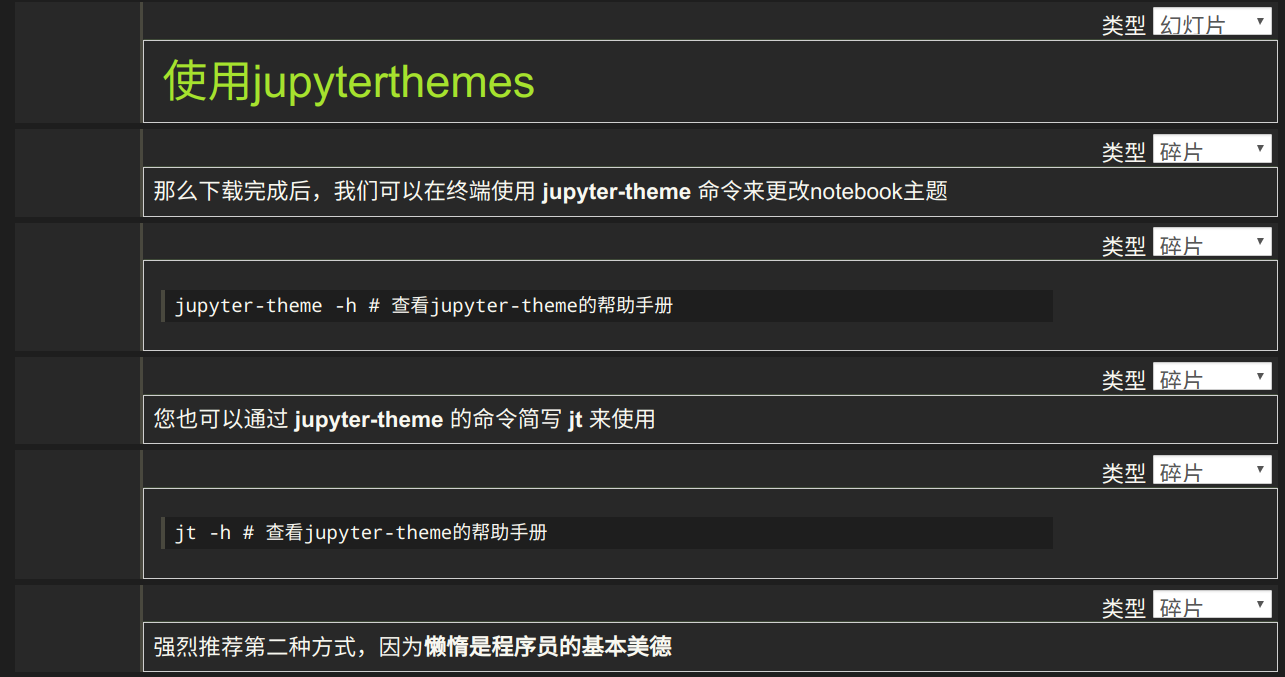
oceans16
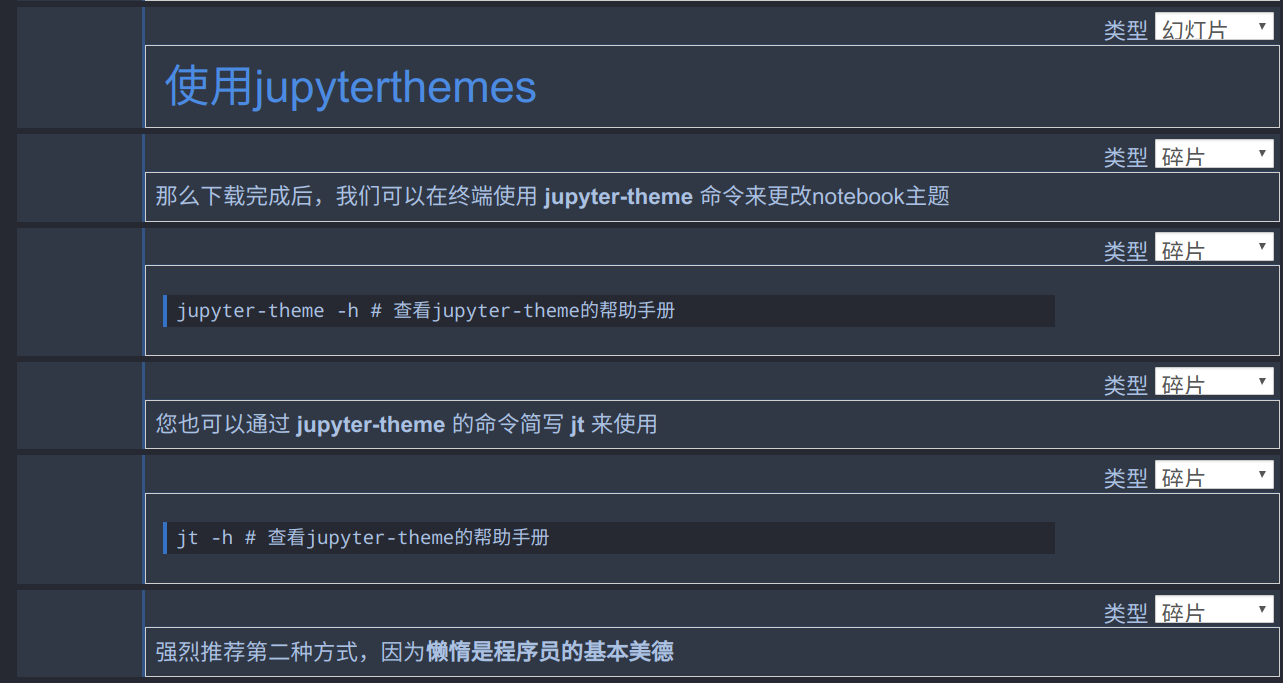
onedork
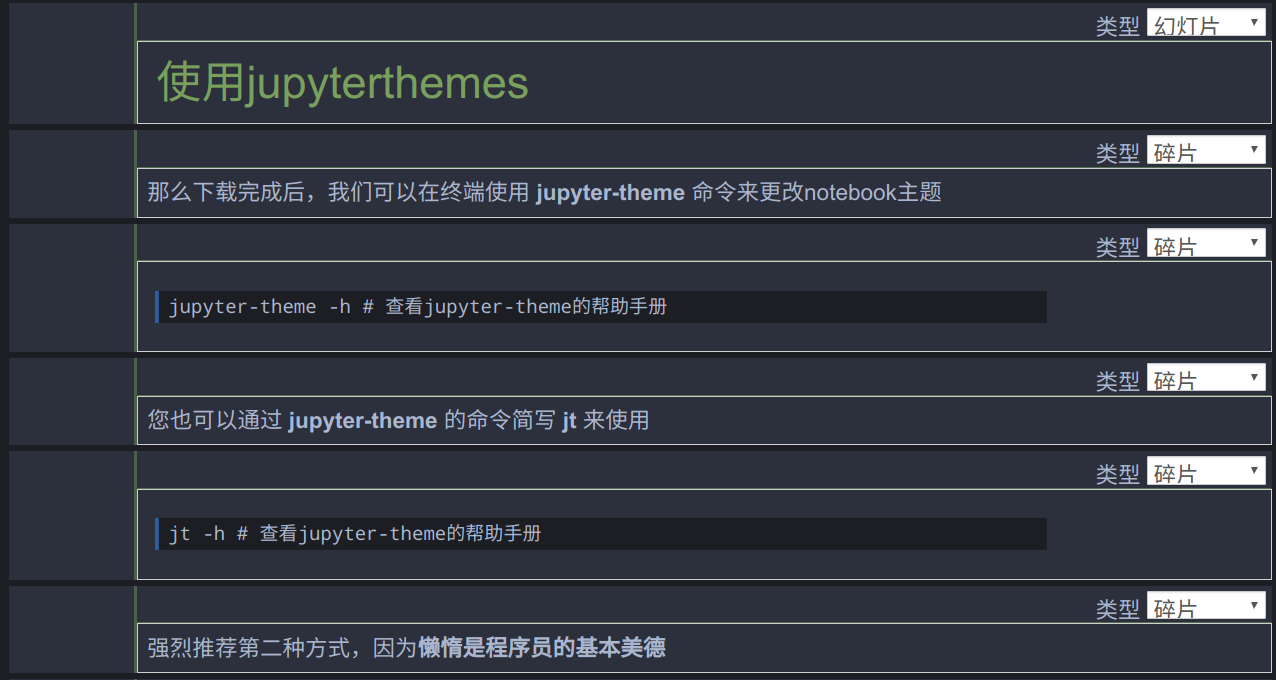
solarizedd
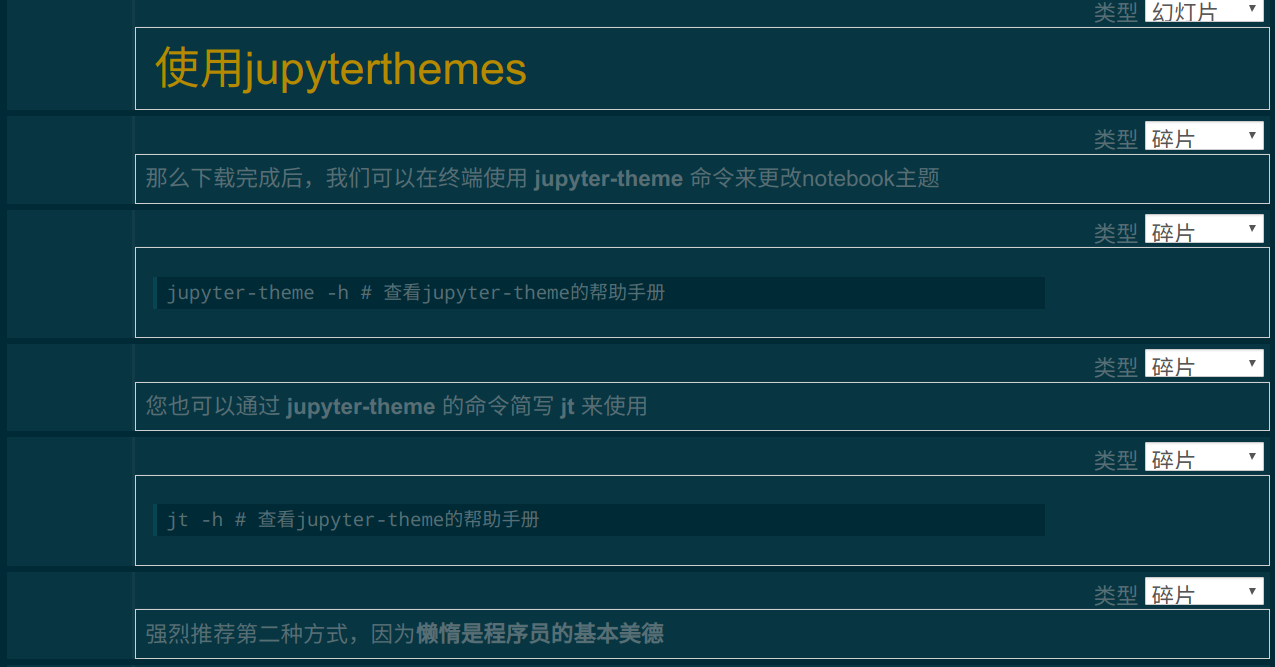
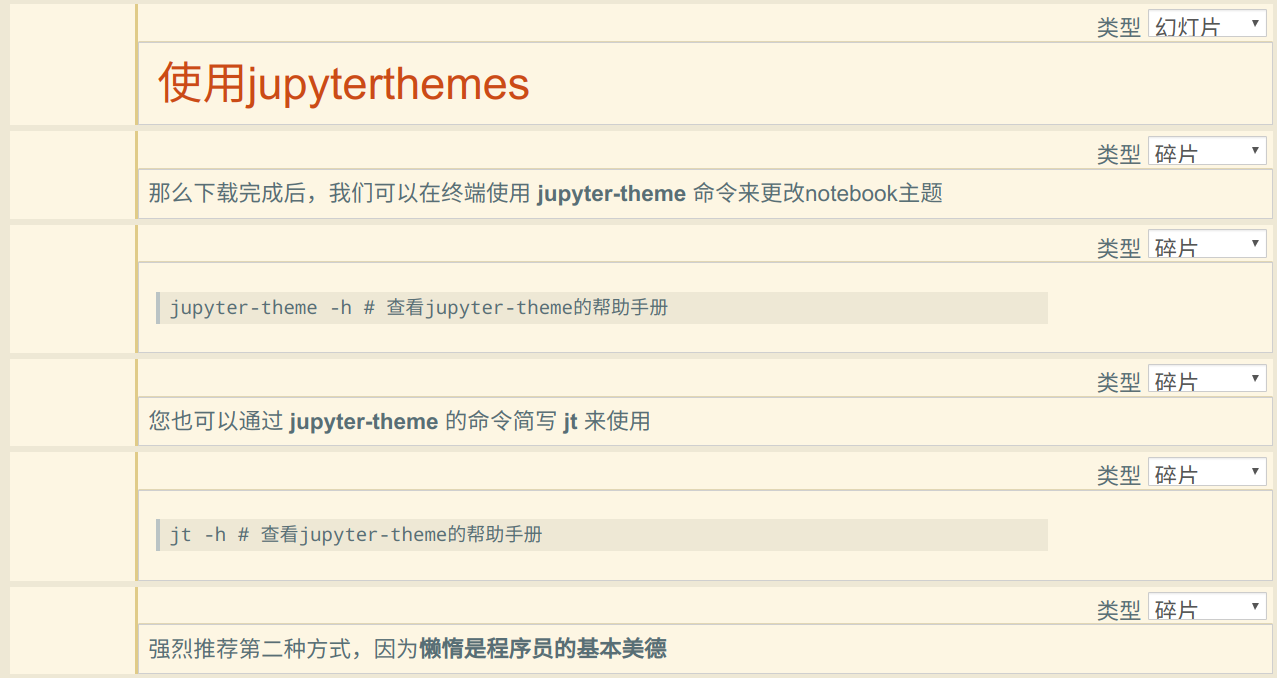
solarizedl
到此这篇关于jupyter notebook更换皮肤主题的实现的文章就介绍到这了,更多相关jupyter notebook更换皮肤内容请搜索以前的文章或继续浏览下面的相关文章希望大家以后多多支持!
推荐阅读