如何修复Ubuntu中包缓存文件被毁问题
- 作者: 有赞必回请多支持
- 来源: 51数据库
- 2022-09-21
| 导读 | 今天,我尝试更新我的 Ubuntu 18.04 LTS 的仓库列表,但收到了一条错误消息:“E: The package cache file is corrupted, it has the wrong hash”。该如何解决呢? |
我在终端运行的命令以及输出:
$ sudo apt update
示例输出:
Hit:1 http://www.51sjk.com/Upload/Articles/1/0/327/327587_20220921105815352.jpg bionic InRelease
Hit:2 http://www.51sjk.com/Upload/Articles/1/0/327/327587_20220921105815352.jpg bionic-updates InRelease
Hit:3 http://www.51sjk.com/Upload/Articles/1/0/327/327587_20220921105815352.jpg bionic-backports InRelease
Hit:4 http://www.51sjk.com/Upload/Articles/1/0/327/327587_20220921105815352.jpg bionic-security InRelease
Hit:5 http://www.51sjk.com/Upload/Articles/1/0/327/327587_20220921105818528.jpg bionic InRelease
Hit:7 http://www.51sjk.com/Upload/Articles/1/0/327/327587_20220921105819776.jpg bionic InRelease
Hit:8 http://www.51sjk.com/Upload/Articles/1/0/327/327587_20220921105821121.jpg bionic InRelease
Ign:6 https://dl.bintray.com/etcher/debian stable InRelease
Get:9 https://dl.bintray.com/etcher/debian stable Release [3,674 B]
Fetched 3,674 B in 3s (1,196 B/s)
Reading package lists... Done
E: The package cache file is corrupted, it has the wrong hash
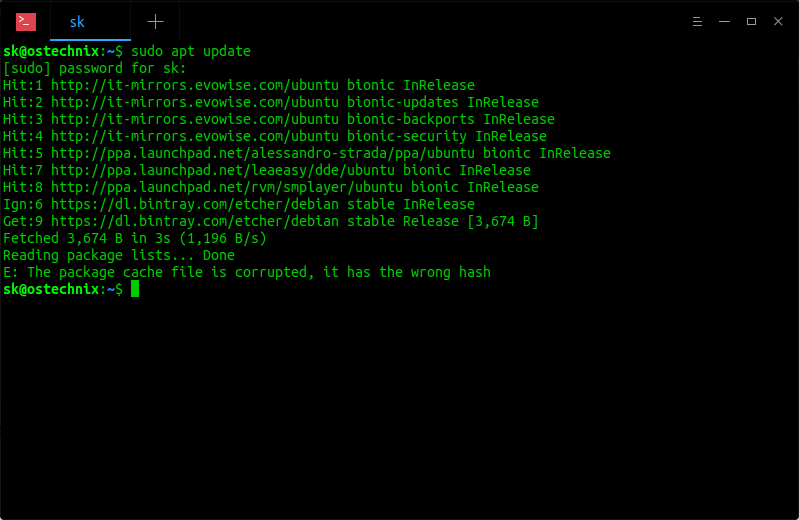
经过一番谷歌搜索,我找到了解决此错误的方法。
如果你遇到过这个错误,不要惊慌。只需运行下面的命令修复。
在运行命令之前,请再次确认你在最后加入了 *。在命令最后加上 * 很重要。如果你没有添加,它会删除/var/lib/apt/lists/*目录,而且无法恢复。我提醒过你了!
$ sudo rm -rf /var/lib/apt/lists/*
现在我再次使用下面的命令更新系统:
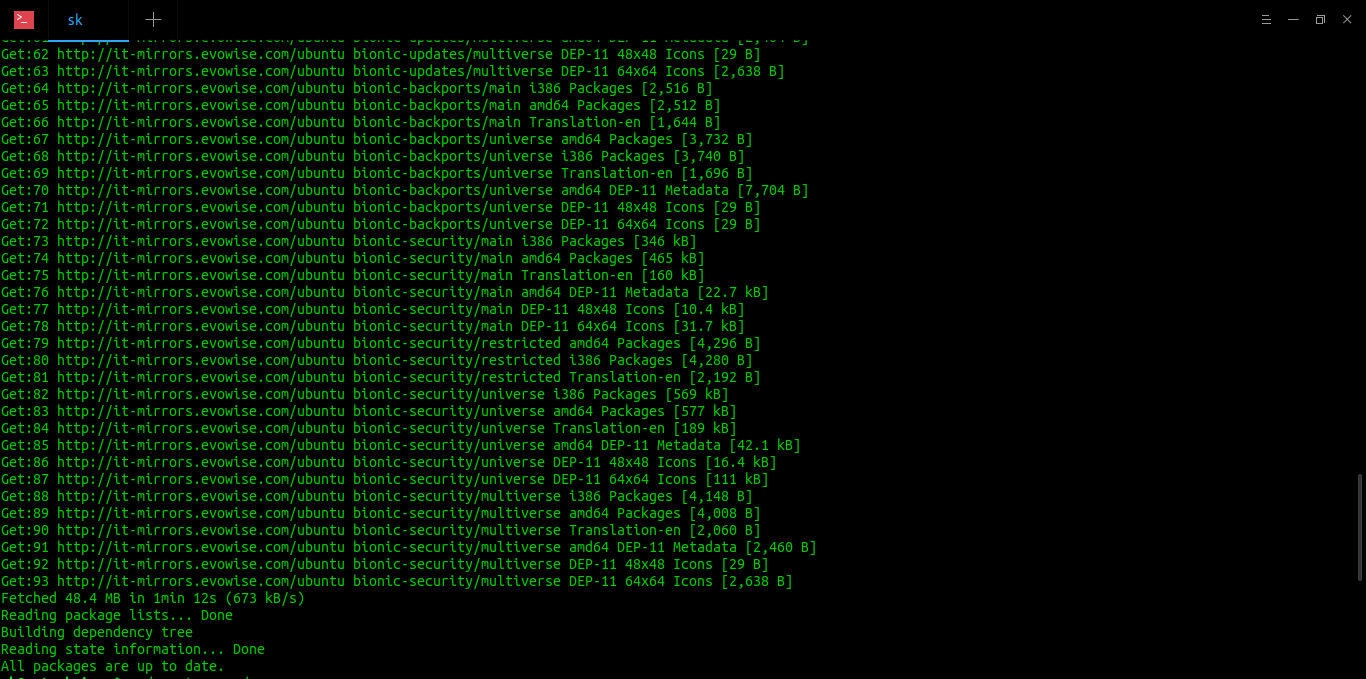
现在好了!希望它有帮助。
资源
via: https://www.ostechnix.com/fix-e-the-package-cache-file-is-corrupted-it-has-the-wrong-hash-error-in-ubuntu/
作者:sk 选题:lujun9972 译者:geekpi 校对:wxy
本文由 LCTT 原创编译,Linux中国 荣誉推出
推荐阅读